Delapan modul untuk tata kelola akses perusahaan
Mencakup proteksi kredensial, skrip dan cookie remote, entri terpadu, BYOD, transisi, izin, watermark, perlindungan data, audit jangka panjang, dan deployment privat.
Credentials, scripts and cookies stay remote
Keep origin scripts, cookies, internal-system credentials and sessions in a controlled workspace.
- No sensitive credential storage on endpoints
- Administrator-managed cookies and sessions
- Works for business backends and internal tools
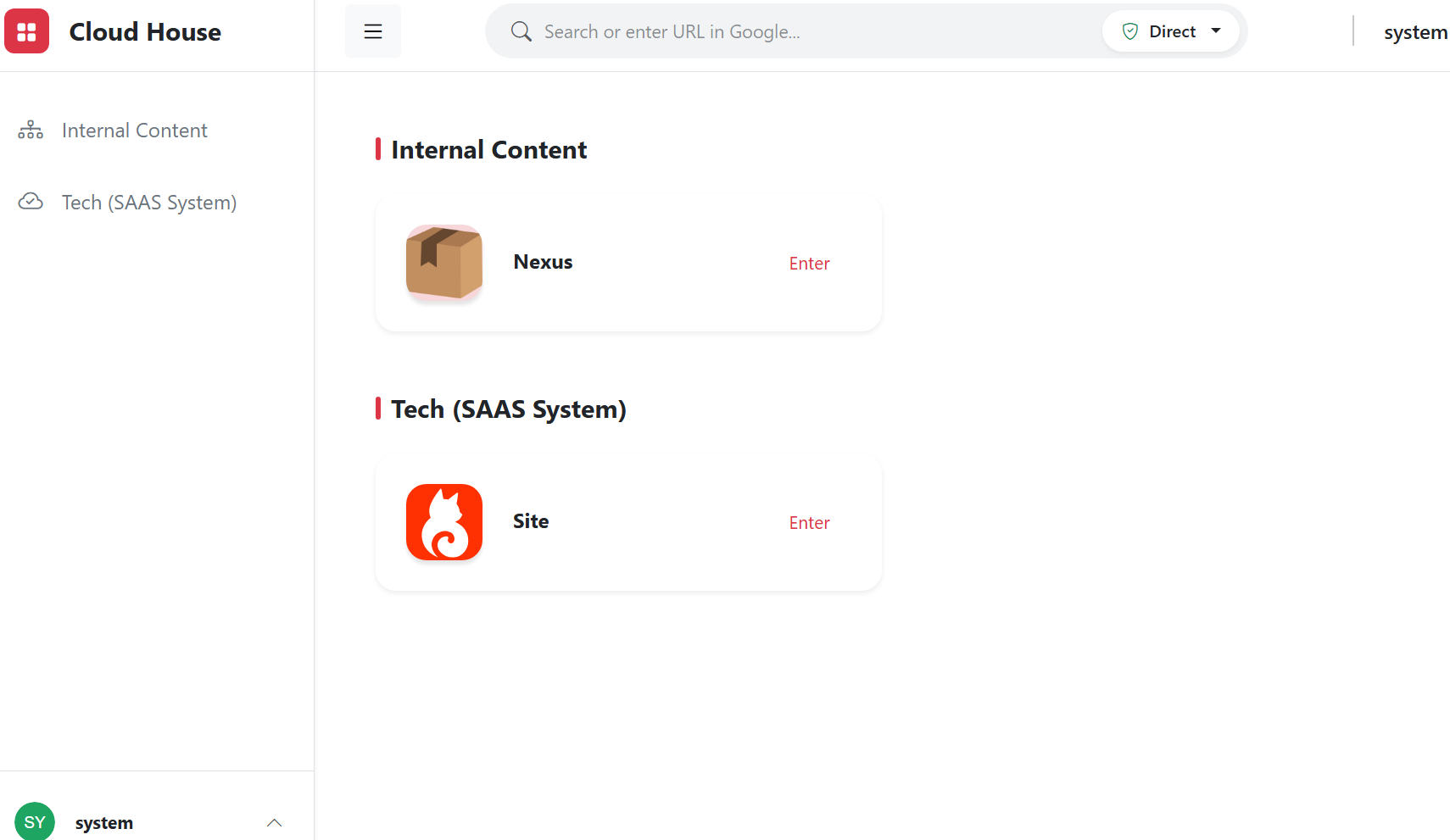
Browser bastion entry
Centralize internal systems, knowledge bases and business applications into one secure entry.
- Resource grouping
- Fast bastion entry access
- Role-based resource visibility
Akses BYOD
Employees can use personal computers or phones to access approved workspaces while sensitive credentials and business data stay controlled.
- No dedicated client required
- Credentials stay off endpoints
- Easier device changes and offboarding
Tata kelola transisi karyawan
During onboarding, transfers and offboarding, adjust workspace entries, resource scope and policies by role to reduce handover gaps.
- Role-based entries
- Central permission removal
- Traceable operation history
Permissions and watermark protection
Govern whether users can access, view, copy or export content separately.
- Role permissions
- Visible and invisible watermark tracing
- Sensitive content copy protection
Perlindungan data sensitif
Mask, hide or prevent copying of fields, images and page regions by role.
- Key-field masking
- Page-region hiding
- Copy and download controls
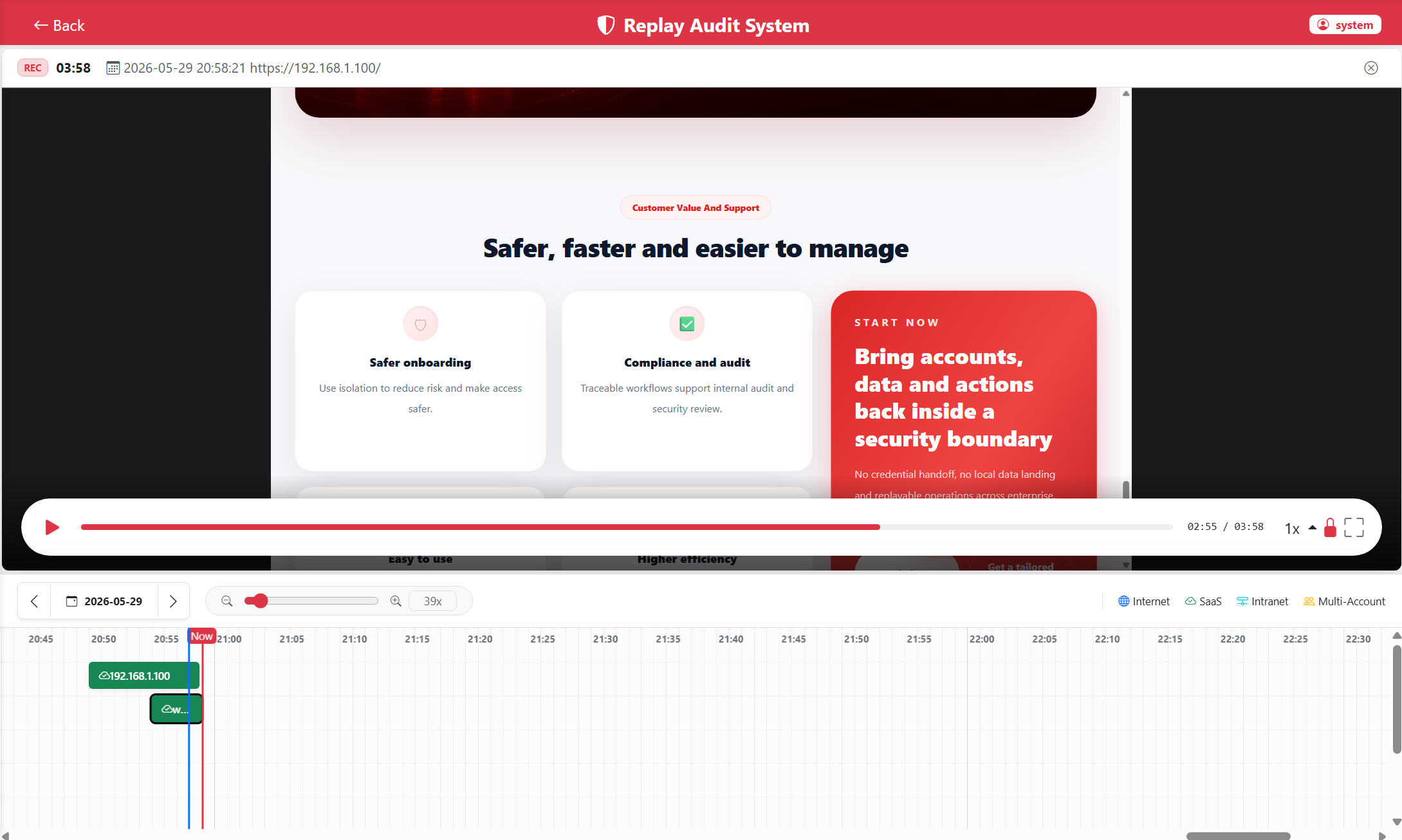
DOM recording and replay
Record page structure and operation events instead of heavy video for audits, training and reviews.
- Searchable operation traces
- Skip static periods
- Lower storage for long-term retention
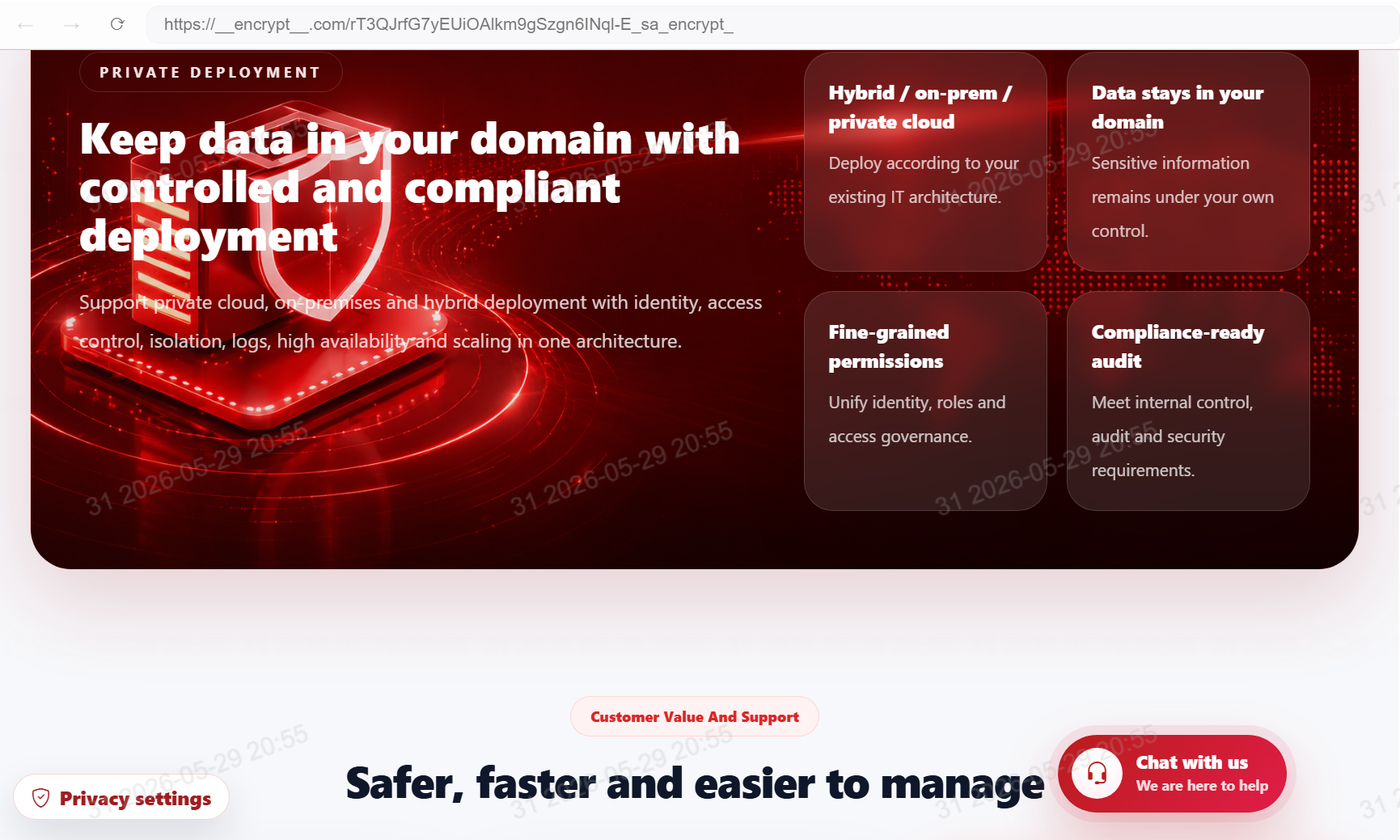
Private deployment
Deploy according to the enterprise IT architecture while keeping data, logs and configuration under your control.
- Private cloud / on-premises
- Clear data boundaries
- Administrator ownership