Credentials, scripts and cookies stay remote
Keep origin scripts, cookies, internal-system credentials and sessions in a controlled workspace.
- No sensitive credential storage on endpoints
- Administrator-managed cookies and sessions
- Works for business backends and internal tools
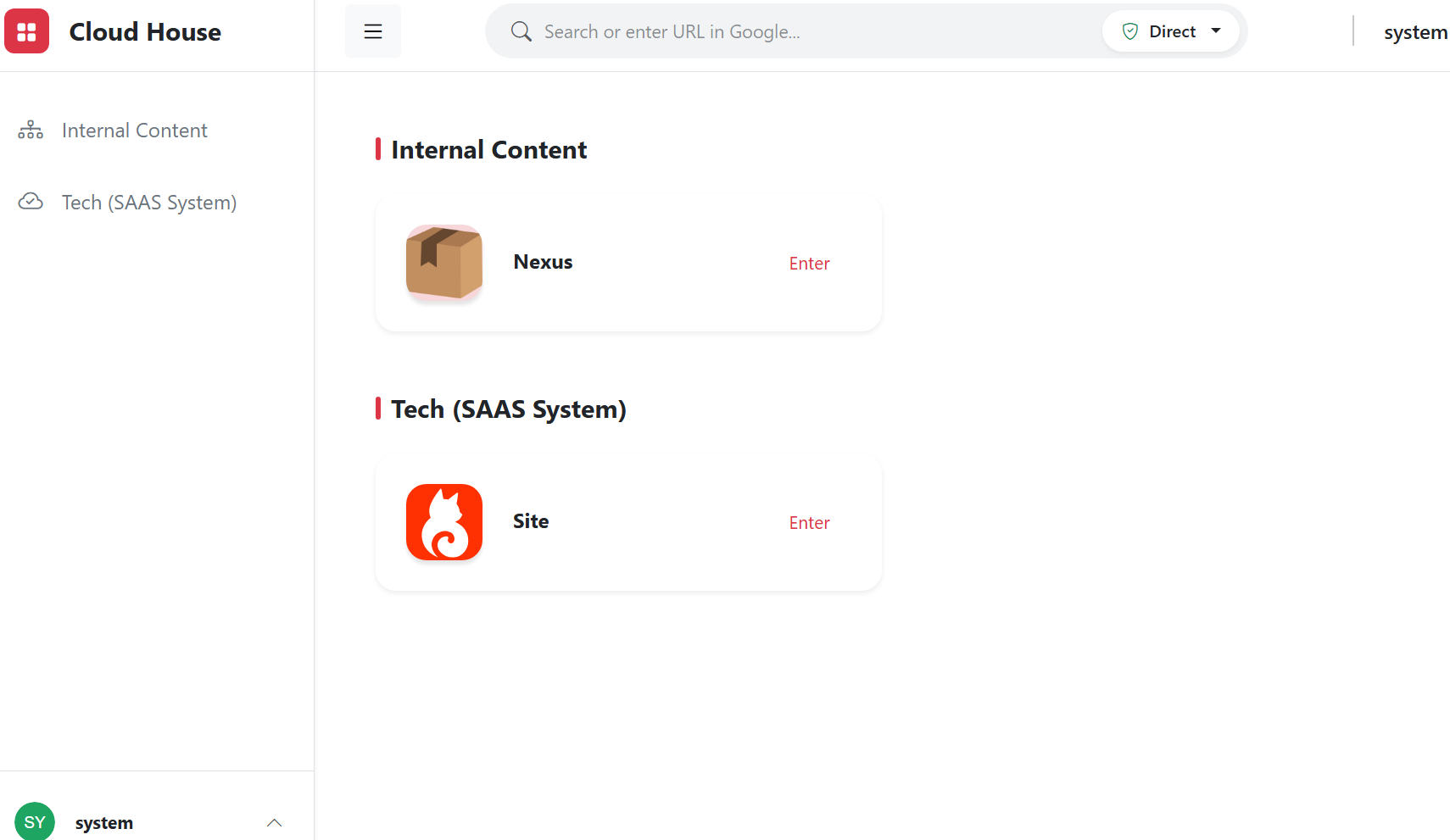
Browser bastion entry
Centralize internal systems, knowledge bases and business applications into one secure entry.
- Resource grouping
- Fast bastion entry access
- Role-based resource visibility
BYOD アクセス
Employees can use personal computers or phones to access approved workspaces while sensitive credentials and business data stay controlled.
- No dedicated client required
- Credentials stay off endpoints
- Easier device changes and offboarding
従業員引き継ぎ管理
During onboarding, transfers and offboarding, adjust workspace entries, resource scope and policies by role to reduce handover gaps.
- Role-based entries
- Central permission removal
- Traceable operation history
Permissions and watermark protection
Govern whether users can access, view, copy or export content separately.
- Role permissions
- Visible and invisible watermark tracing
- Sensitive content copy protection
機密データ保護
Mask, hide or prevent copying of fields, images and page regions by role.
- Key-field masking
- Page-region hiding
- Copy and download controls
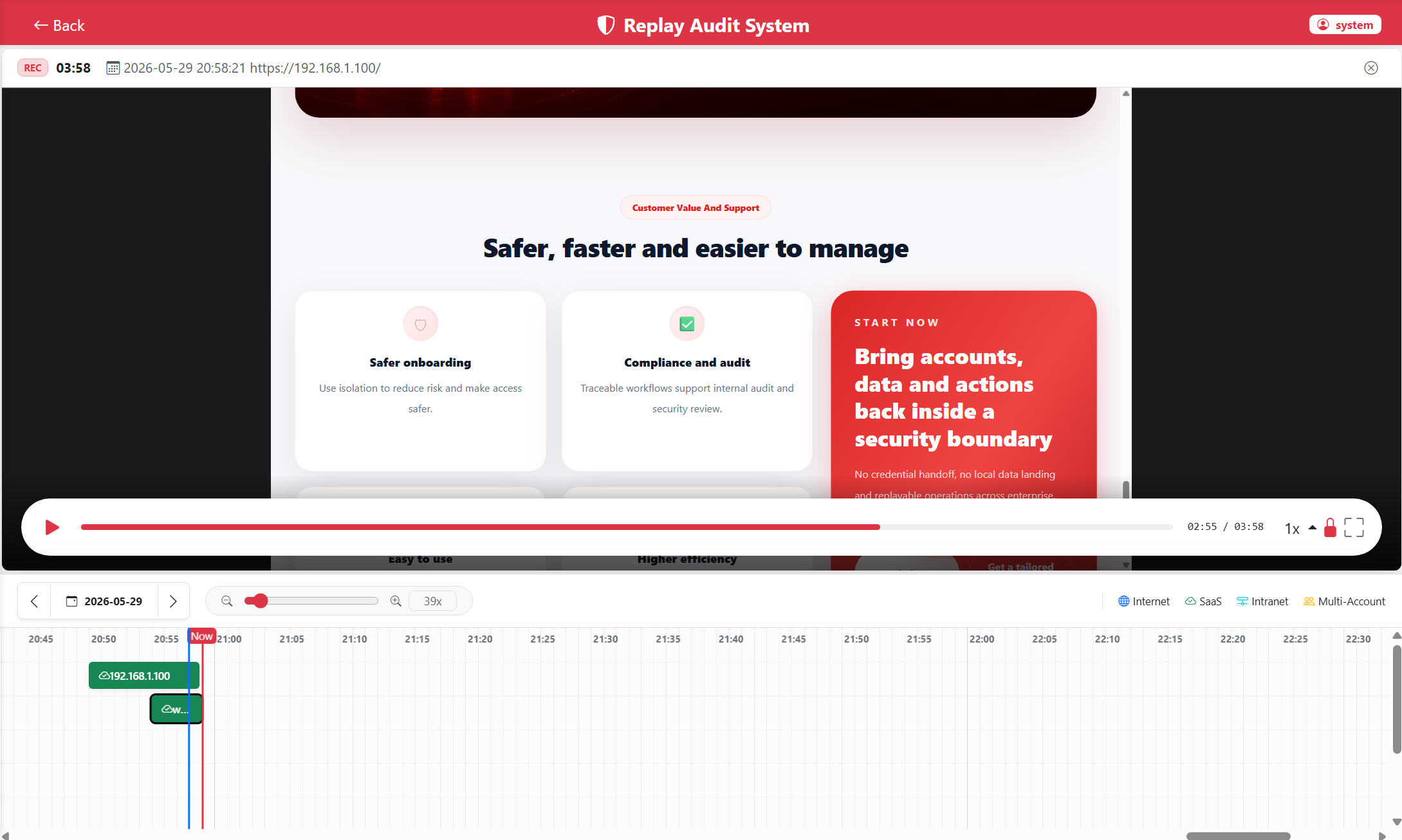
DOM recording and replay
Record page structure and operation events instead of heavy video for audits, training and reviews.
- Searchable operation traces
- Skip static periods
- Lower storage for long-term retention
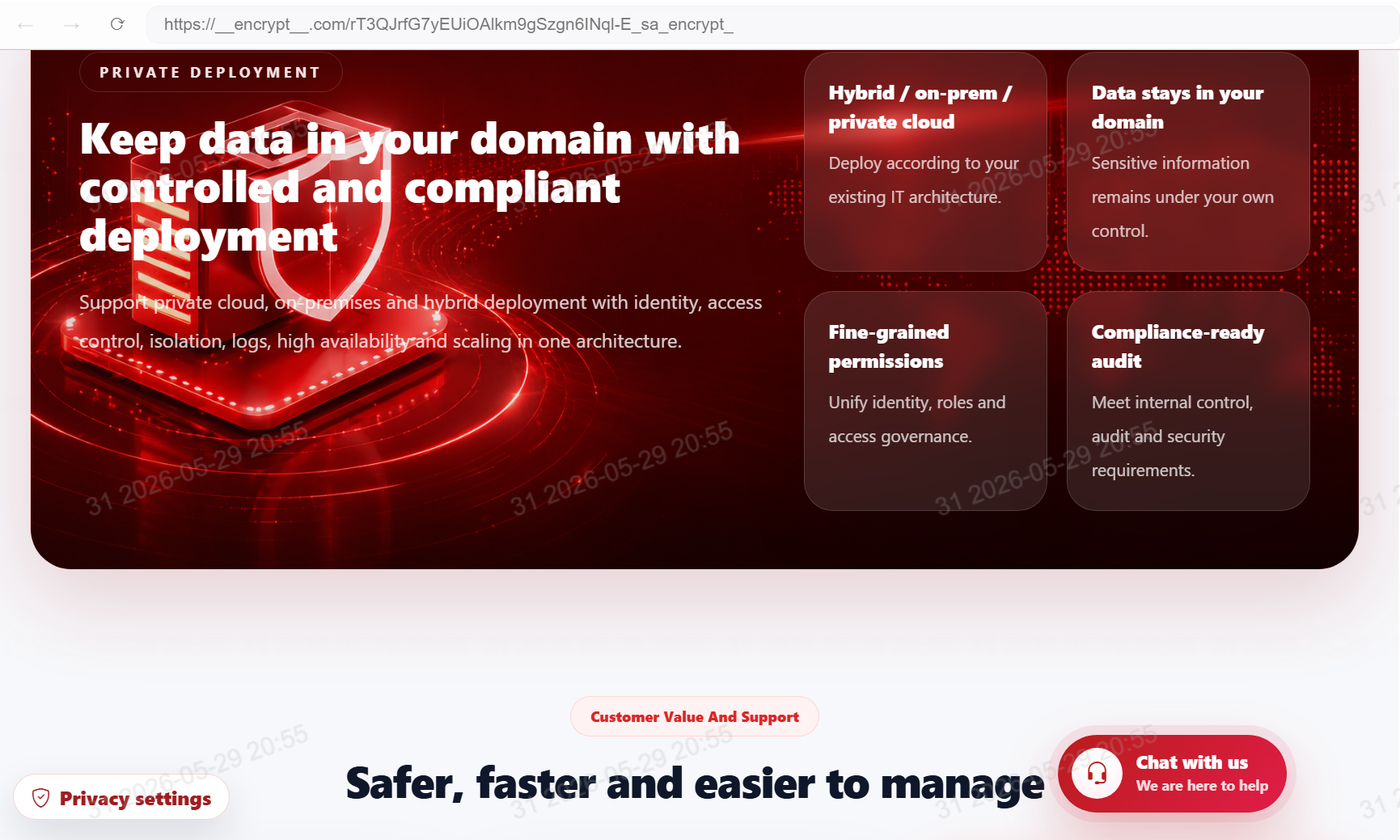
Private deployment
Deploy according to the enterprise IT architecture while keeping data, logs and configuration under your control.
- Private cloud / on-premises
- Clear data boundaries
- Administrator ownership