Sa2web logoSa2webУдаленный браузер Zero Trust для ИИ и людей
Sign inBuy license

Функции продукта

Объедините браузеры, права, защиту данных и аудит в корпоративном браузере-бастионе

Sa2web объединяет входы внутренних систем, политики прав, переходы сотрудников, удаленную обработку скриптов и cookie, защиту данных, удаленные среды и DOM-воспроизведение в браузере-бастионе, делая доступ контролируемым, проверяемым и отслеживаемым.

Безопасность доступаКонтролируемоСкрипты, cookie, учетные данные и сессии остаются в среде
Защита данныхМаскированоЧувствительные поля следуют ролевым политикам
AccessBYODЛичные устройства безопасно получают доступ к разрешенным средам
ПереходыПонятноВходы, права и записи управляются централизованно

Реальные экраны показывают практическое применение

От администрирования и входов бастиона до защиты данных и аудита-воспроизведения возможности образуют практичный бизнес-цикл.

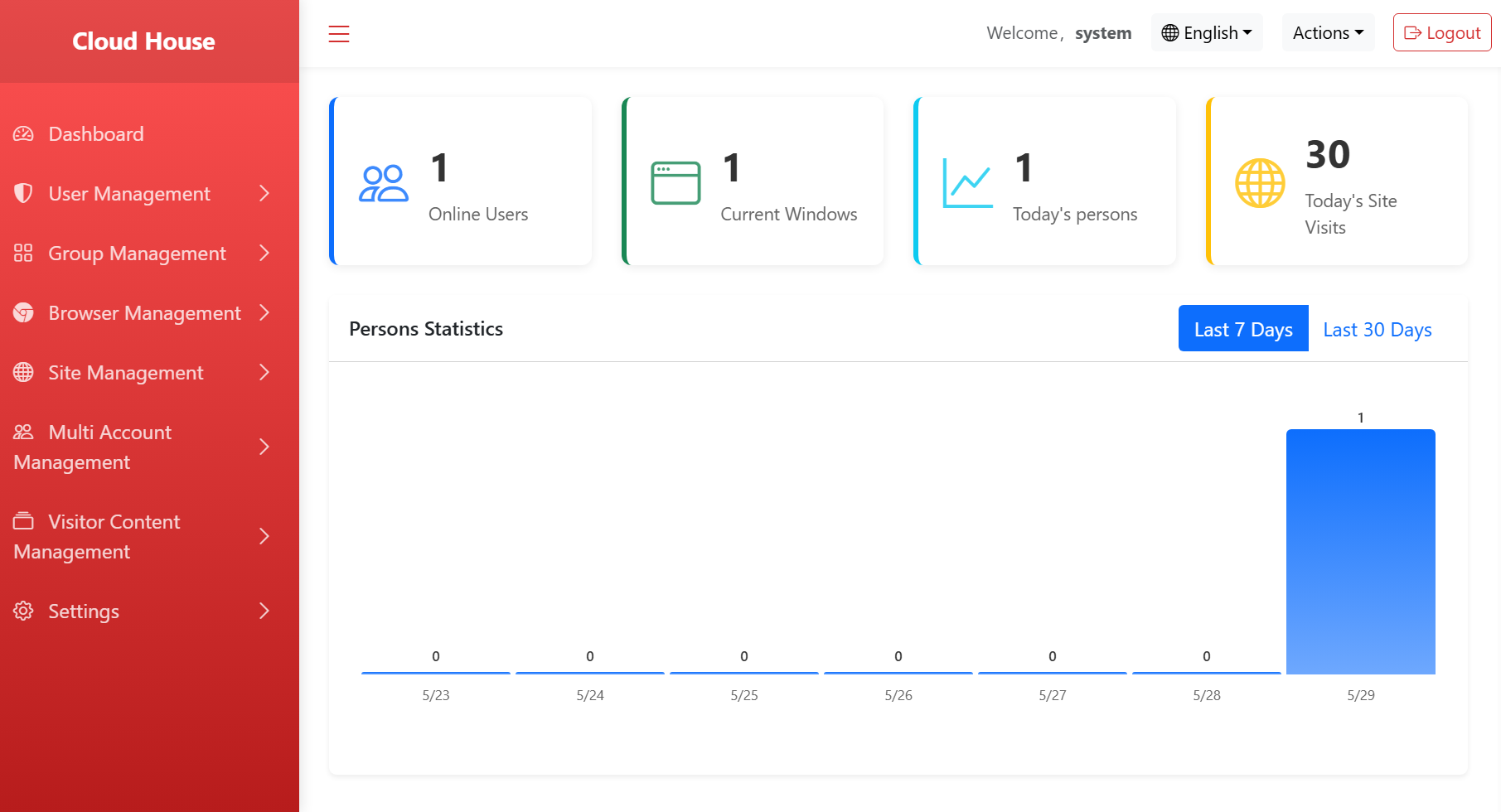
Admin console and analytics
Admin console and analyticsView users, sites, visits and usage data in one place.
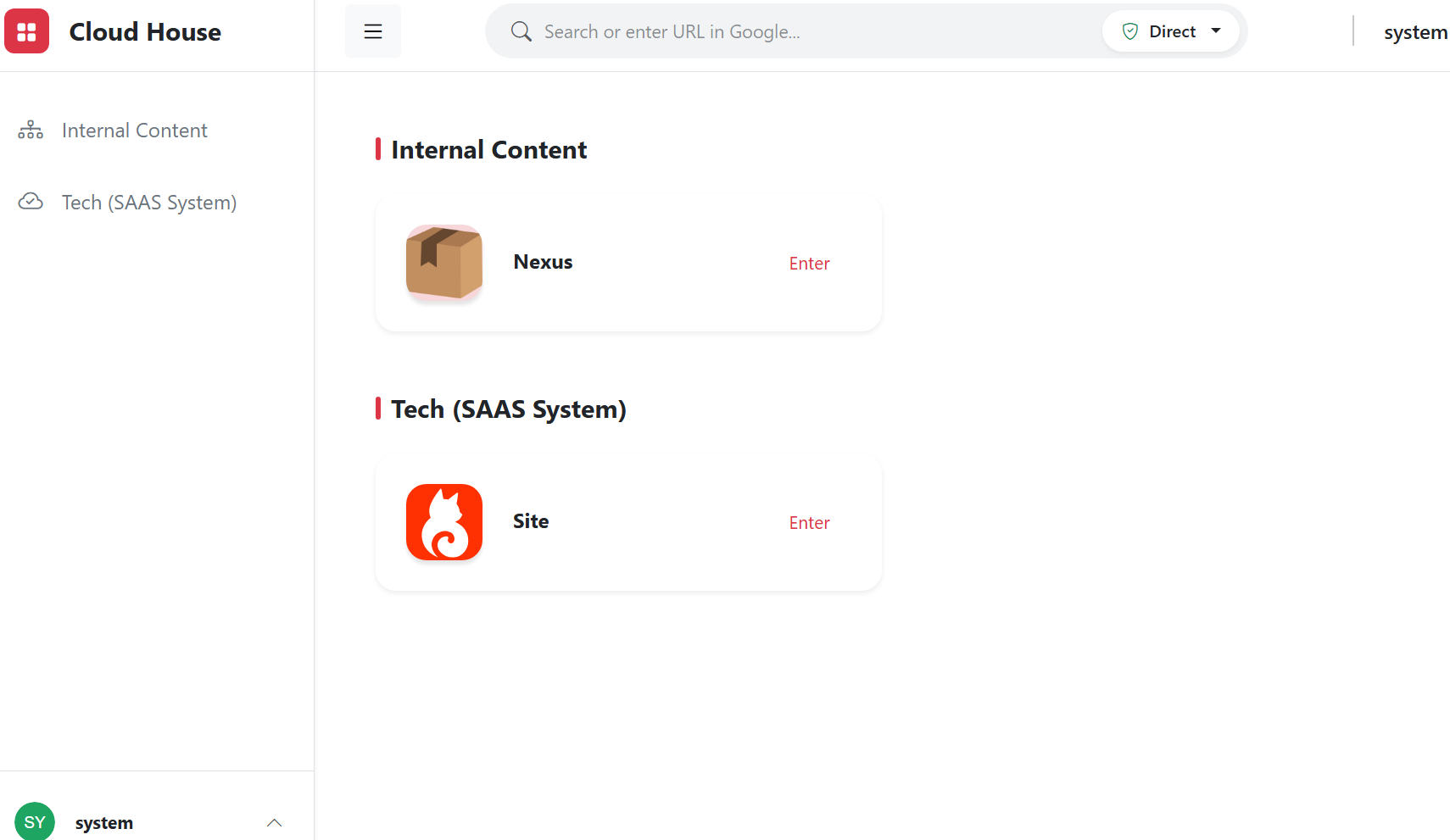
Workspace entry
Workspace entryManage internal systems and authorized resources in one controlled workspace.
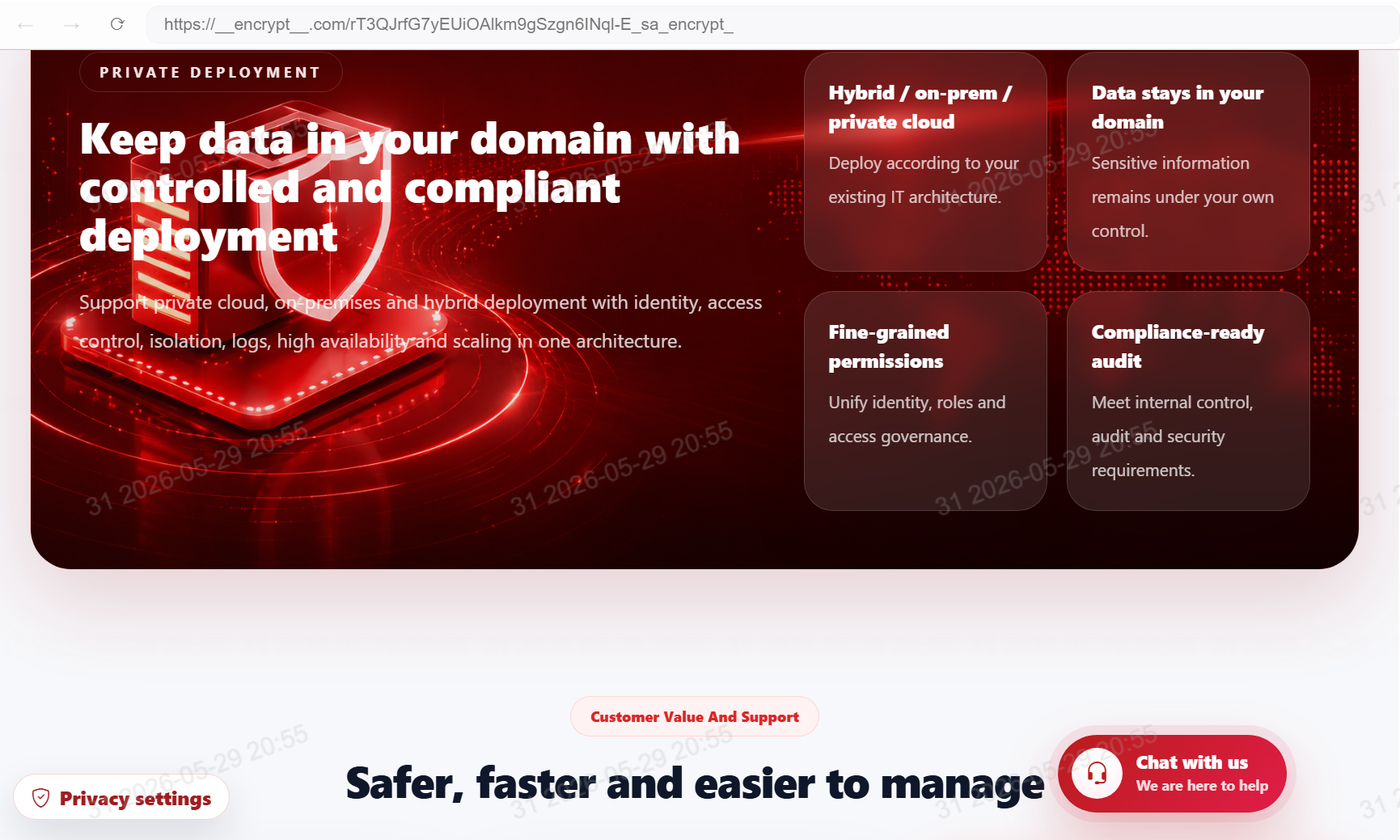
Watermark and sensitive-data protection
Watermark and sensitive-data protectionProtect important business content with watermarking, masking and copy controls.
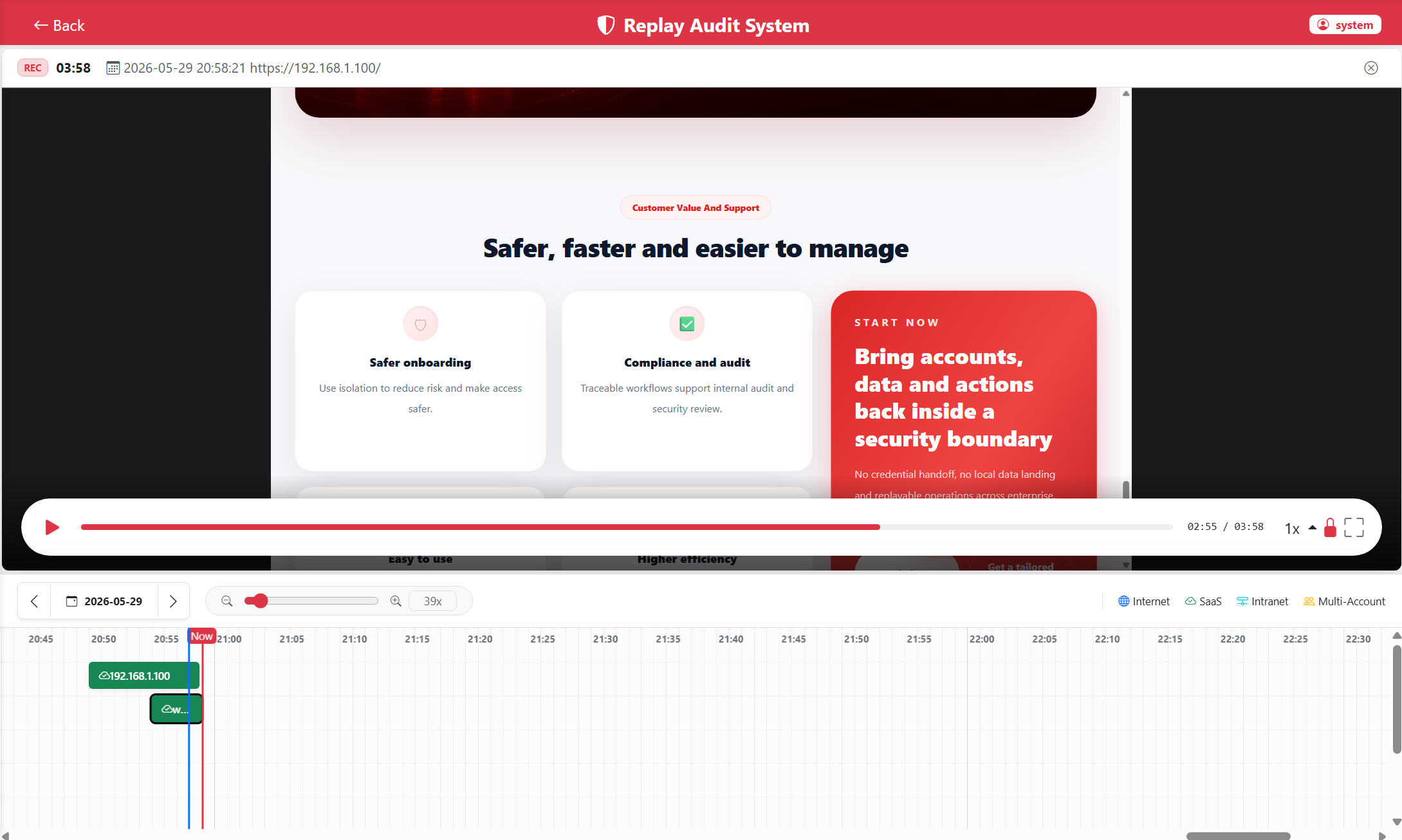
DOM recording and replay
DOM recording and replayUse structured web events for audits, training and reviews.

Восемь модулей для управления корпоративным доступом

Охватывает защиту учетных данных, удаленные скрипты и cookie, единые входы, BYOD, переходы сотрудников, права, водяные знаки, защиту данных, долгосрочный аудит и частное развертывание.

Credentials, scripts and cookies stay remote

Keep origin scripts, cookies, internal-system credentials and sessions in a controlled workspace.

  • No sensitive credential storage on endpoints
  • Administrator-managed cookies and sessions
  • Works for business backends and internal tools

Browser bastion entry

Centralize internal systems, knowledge bases and business applications into one secure entry.

  • Resource grouping
  • Fast bastion entry access
  • Role-based resource visibility

BYOD-доступ

Employees can use personal computers or phones to access approved workspaces while sensitive credentials and business data stay controlled.

  • No dedicated client required
  • Credentials stay off endpoints
  • Easier device changes and offboarding

Управление переходами сотрудников

During onboarding, transfers and offboarding, adjust workspace entries, resource scope and policies by role to reduce handover gaps.

  • Role-based entries
  • Central permission removal
  • Traceable operation history

Permissions and watermark protection

Govern whether users can access, view, copy or export content separately.

  • Role permissions
  • Visible and invisible watermark tracing
  • Sensitive content copy protection

Защита чувствительных данных

Mask, hide or prevent copying of fields, images and page regions by role.

  • Key-field masking
  • Page-region hiding
  • Copy and download controls

DOM recording and replay

Record page structure and operation events instead of heavy video for audits, training and reviews.

  • Searchable operation traces
  • Skip static periods
  • Lower storage for long-term retention

Private deployment

Deploy according to the enterprise IT architecture while keeping data, logs and configuration under your control.

  • Private cloud / on-premises
  • Clear data boundaries
  • Administrator ownership

Рабочий процесс

От разрозненного доступа к входам браузера-бастиона

Администраторы настраивают системы, входы ресурсов, политики доступа, роли и водяные знаки. Сотрудники используют разрешенные среды; переходы обрабатываются изменением входов и прав.

01

Configure resources and bastion entries

Administrators centralize internal systems, knowledge bases and business applications in browser bastion environments.

02

Set permissions and policies

Control access by user, job role, scope and watermark rules.

03

Assign workspace entries

Employees use authorized entries for approved resources while administrators manage handovers, entries and logs centrally.

04

Replay, audit and review

Critical operations are retained for security audits, process improvement, training and accountability.